
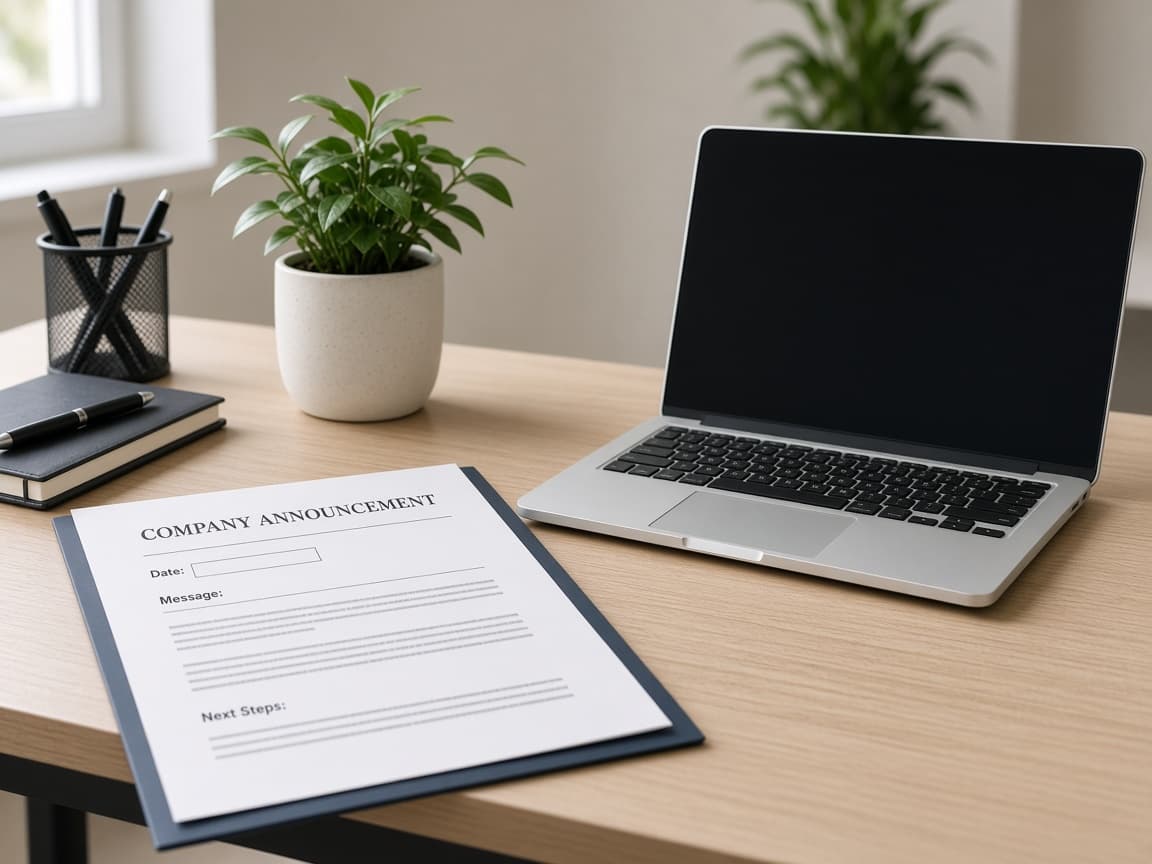
How to Humanize an HR Announcement
AI HR announcements bury the effective date under “exciting updates.” Lock policy name, date, and approved tenant language first. Humanize tone once–never invent benefits or deadlines.
HR announcements live or die on one employee question: what changes for me, and on what date? Copilot and ChatGPT write about “refreshing our commitment to people” and “streamlined experiences.” Staff read: Does PTO accrue differently on Monday? Who is eligible? Where is the real policy?
Human Writes is the voice pass after policy name, effective date, and approved tenant language are locked. It does not replace HRIS configuration, legal review, or works council notice rules.
Related: change management email, internal policy, all-hands talking points, Copilot work emails.
What employees and HR ops punish
| Element | Weak AI draft | Strong HR announcement |
|---|---|---|
| Subject / headline | “Important update from People” | “PTO policy update–effective Oct 1” |
| Date | “Soon” / “this quarter” | Calendar date + timezone if needed |
| Scope | “All team members” when contractors differ | Eligible populations named |
| Action | “Please stay tuned” | Enroll / acknowledge / no action |
| Source of truth | Nested Drive folklore | Link to policy of record / HRIS |
| Tone | Forced excitement on hard news | Plain, respectful, specific |
Help desks spike when the body buries the effective date under culture paragraphs. Put the calendar fact in the first screen.
Lock the policy card before Copilot
Build this with HRBP / benefits / legal–before any model:
| Field | Locked value |
|---|---|
| Policy / program name | Exact title in handbook / HRIS |
| Effective date | e.g. 1 Oct 2026, 00:00 local HQ TZ |
| In scope / out of scope | FT employees in Region A; contractors excluded (example) |
| What changes | Bullets from redline–not vibes |
| What stays the same | Explicit–reduces rumor |
| Employee action | Acknowledge by DATE / enroll / none |
| Approved phrases | Tenant language for plan names, legal entities |
| Owner + channel | People Ops email, Slack #ask-hr hours |
Prompt: “Write an HR announcement from this card only. Lead with effective date and policy name. Bullet changes. Include acknowledgment deadline. Do not add benefits, percentages, or populations not listed. Avoid ‘exciting’ and ‘journey.’”
Anatomy that works
- Subject – policy noun + effective date
- First paragraph – what changes, when, who
- Change bullets – old → new where helpful
- Action – numbered steps or “No action required”
- Link – policy of record (versioned)
- FAQ pointer – short; full FAQ lives on intranet
- Contact – named queue, not “ask your manager” alone for benefits math
| Section | Humanize? | Why |
|---|---|---|
| Dates, plan names, % | No | Approved tenant language only |
| URLs / form IDs | No | Broken links amplify panic |
| Change bullets | Light pass | Keep legal meaning |
| Opening / closing | One pass | Cut corporate sludge |
| Hard news (layoffs, cuts) | Extra care | Facts + resources; no pep talk |
For system cutovers, use change management email. For handbook pages: internal policy.
Before and after
AI body:
We are thrilled to share an exciting enhancement to our people experience that reflects our values and commitment to supporting every team member on their journey. More details will be shared soon as we continue to innovate our offerings.
After policy card + one humanize pass:
Effective October 1, 2026: the Parental Leave policy (v3) increases primary caregiver leave from 12 to 16 weeks for full-time employees in the US handbook population. Eligibility rules in Section 2 are unchanged. Action: read v3 on the intranet and complete the acknowledgment form by September 25. Questions on your case: #ask-hr or parental-leave@company.com–do not rely on Slack rumors for dates.
Second version answers when, what, who, what to do.
Workflow
- Freeze policy card with legal / benefits; freeze HRIS config date.
- Confirm link resolves for a non-admin employee account.
- Draft from the card–not “write a warm HR email.”
- One Human Writes pass on subject and prose; verify names and dates after.
- Align Slack, email, and intranet banner to the same date string.
- Send manager talking points the same hour (all-hands if company-wide).
- Reminder before acknowledgment deadline with unchanged facts.
- Archive announcement + policy version for audit.
Email craft checklist: checklist for writing emails.
What not to do
- Announce “enhanced benefits” without naming the plan document version.
- Paraphrase legal definitions into friendlier words that change eligibility.
- Hide the effective date below a values essay.
- Invent FAQs that contradict the policy of record.
- Use hype tone for reductions, freezes, or layoffs.
- Humanize until percentages or entity names change.
Hard news vs benefits news
| Type | Tone | Extra requirements |
|---|---|---|
| Benefits / policy improvement | Clear, calm, lightly warm | Exact plan language |
| Process / HRIS change | Operational | Cutover-style dates; see change email |
| Reduction / layoff / freeze | Plain, respectful, no hype | Legal/comms approved script; EAP resources |
| Compliance training deadline | Direct | Deadline + consequence of non-completion |
AI defaults to the same “excited to share” wrapper for all four. Strip hype for hard news before you humanize. If the announcement is a layoff affecting the reader’s peers, coordinate with all-hands talking points so Slack, email, and the town hall do not contradict.
Multi-country tenants: do not let the model generalize US handbook language to every locale. Keep separate cards per handbook population.
Manager forward template (same facts)
Provide managers a 5-line forward they must not embellish:
- Policy name + effective date
- Who is in scope
- One-sentence what changes
- Action + link
- Where questions go
If managers invent FAQs, you get ticket storms. Human Writes can smooth the employee-facing email; managers still need the frozen card.
Bottom line
HR announcements win on named policy, named date, and approved tenant language. Human Writes is the voice pass after the policy card is true–not a creativity layer on benefits math.
Paste Copilot drafts on Human Writes when every date and plan name matches the handbook version employees will be held to.